2. Try A, B, X, and Y
Hold a button: its corner turns bright white. Release it: that corner returns to the color cycle.
Try each button, then hold several together. Each matching corner should respond.
A quick visual check of your display and buttons.
Loading selected hardware…
These illustrations explain the test.
Each color stays on for about one second. Look for dark pixels, wrong colors, flickering, or lines that stay on during the black step.
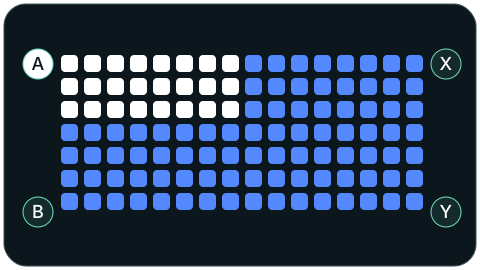
Hold a button: its corner turns bright white. Release it: that corner returns to the color cycle.
Try each button, then hold several together. Each matching corner should respond.
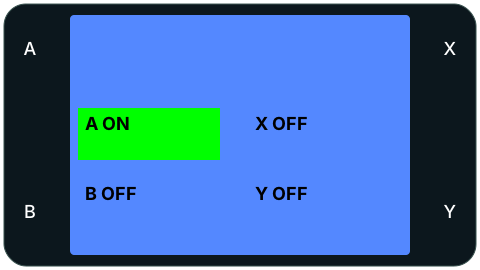
The LCD background cycles through the five colors. The four button labels stay visible.
Hold a button: its matching label turns green and reads ON. Release it: the label returns to OFF.
Try each button, then several together. Check that the text is readable and the display edges are complete.
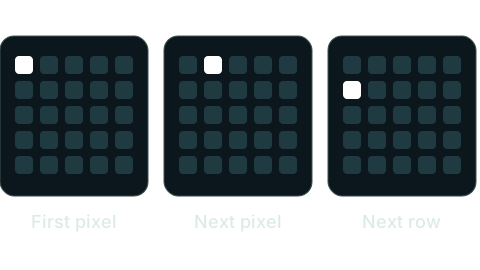
After the five colors, one white LED moves left to right across each row, starting at the top. It visits all 25 positions, about ten pixels per second.
Check that every position lights once, with no gaps. After the bottom-right LED, the color cycle starts again.